
Beginner Guides
Digital vs. Paper Tarot Journal: Which Is Better?
An objective comparison of paper and digital tarot journals, covering privacy, search, speed, customization, pattern tracking, backup, and tactile experience, plus a hybrid workflow.
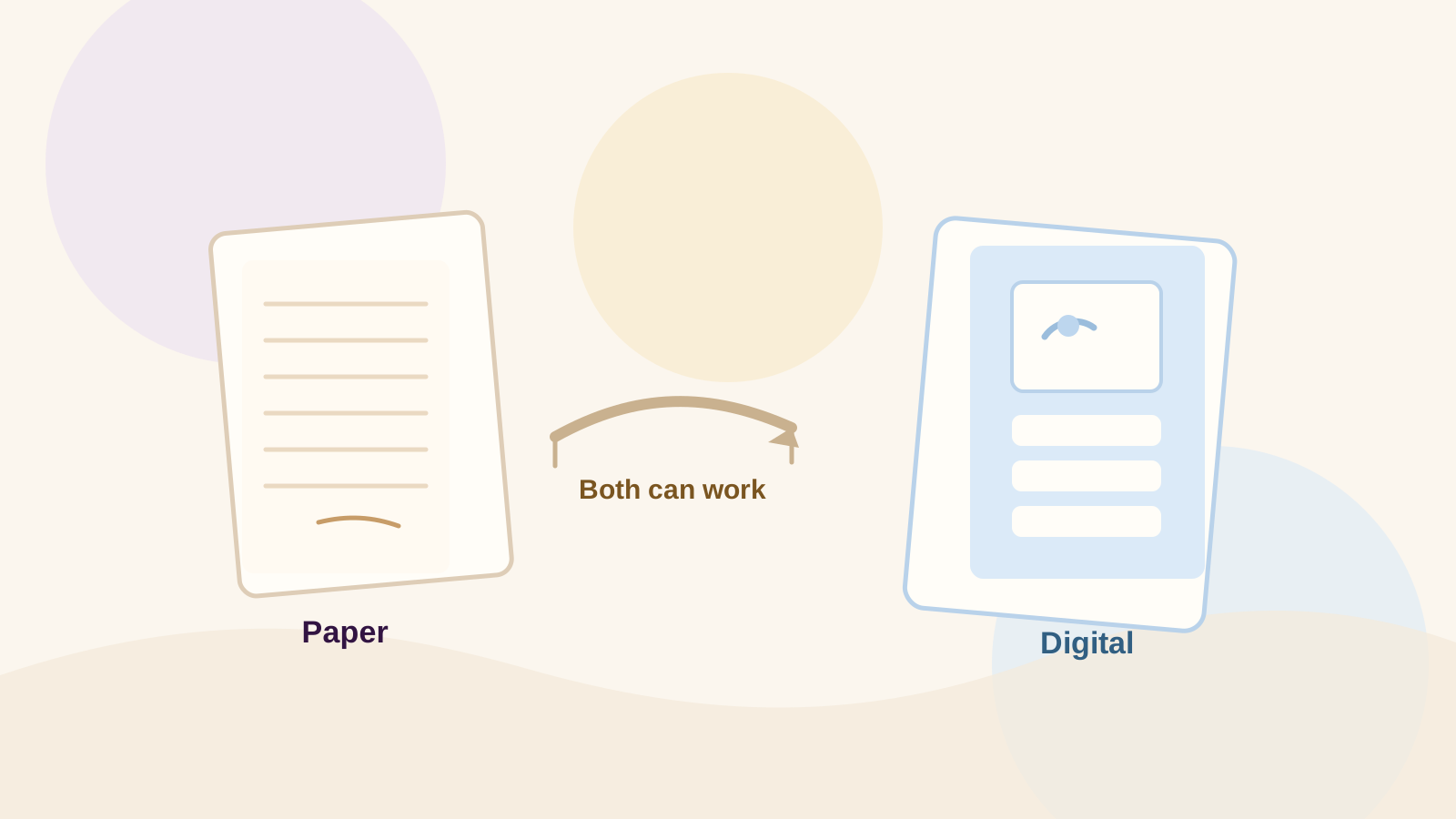
There is no universally better tarot journal. Paper wins for touch, offline writing, and freeform expression; digital wins for search, history, pattern tracking, and backup. Choose the format that matches how you want to use the journal over time.
This guide compares both fairly across privacy, search, speed, customization, pattern tracking, backup, and tactile experience. It also explains a hybrid workflow where handwriting and digital history work together.
For the basics of setting up a journal, see How to Start a Tarot Journal. This article is about choosing the tool.
Quick Answer: Paper or Digital?
Neither is objectively better. Choose paper when you value handwriting, sensory connection, and a device-free space. Choose digital when you value search, long-term history, and automatic pattern tracking.
Most people benefit from a hybrid: write freely by hand at the table, then save the readings that matter in a digital journal.
Paper Tarot Journal: Strengths and Limits
Paper feels immediate. You can draw, underline, glue, and write outside the lines. It also works offline and keeps your notes away from notifications.
The limits appear over time. A paper journal is hard to search, easy to skip during pattern review, and can be lost, damaged, or left in another bag.
- Best for handwriting, sketching, rituals, and device-free reflection.
- Watch out for retrieval, backup, pattern tracking, and space.
Digital Tarot Journal: Strengths and Limits
Digital journals make history useful. You can search by card, keyword, date, or spread; revisit old entries; and see patterns that would take hours to find by hand.
The limits are real: screen fatigue, structured fields, and the need to choose an app you trust with private content.
Digital history matters most when you are tracking repetition over weeks or months. One reading is a snapshot; a saved history can show recurring cards, feelings, and actions.
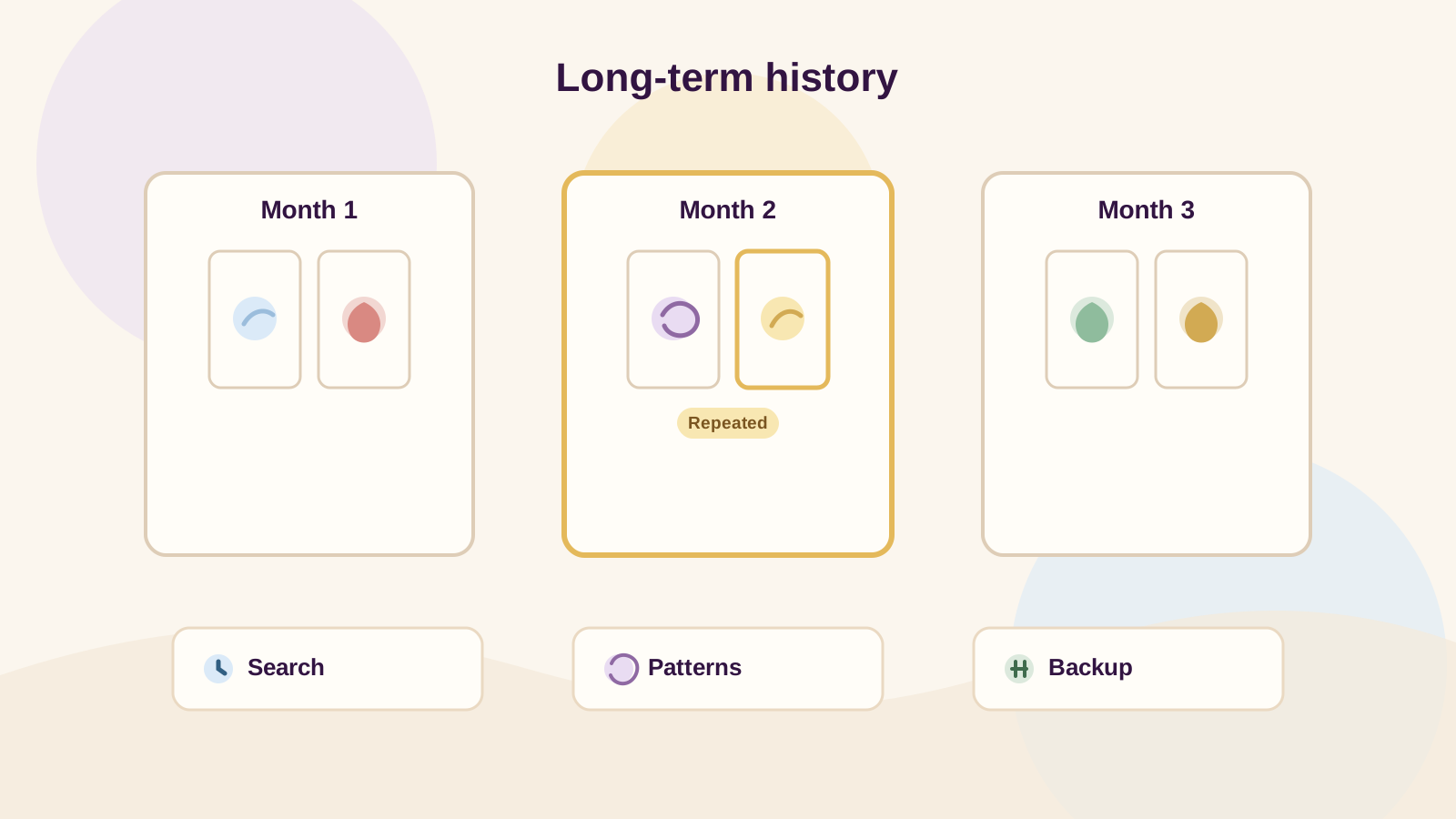
Search
Instant across cards, keywords, dates, and spreads.
Pattern tracking
Repeated cards and themes become visible when entries are saved consistently.
Backup and export
Cloud backup and PDF/JSON export protect against loss when supported.
For a deeper look at how saved entries become patterns, see how to track tarot patterns.
If search, history and recurring patterns matter to you, explore the Fate Mirror Journal.
A private journal with searchable history, revisit prompts, and saved readings that can reveal patterns over time.
Explore the JournalComparison Table
This table compares the factors most people weigh when choosing a tarot journal. Honest answers, not marketing.
Privacy
Paper: private if no one reads it. Digital: private when the app defaults to private and treats journal content as sensitive.
Search
Paper: manual, by memory. Digital: instant by card, keyword, or date.
Speed
Paper: fast to write, slower to retrieve. Digital: fast to log and fast to find, if the app is open.
Customization
Paper: unlimited drawings, stickers, and layout. Digital: structured fields and templates, with customization depending on the app.
Pattern tracking
Paper: possible, but manual and easy to skip. Digital: automatic across saved readings when history is supported.
Backup
Paper: physical, can be lost or damaged. Digital: cloud backup and export when supported.
Tactile experience
Paper: strong. Digital: minimal.
Who Should Choose Which?
Choose paper if you want a tactile, offline, visually personal journal and do not mind manual review. Choose digital if you want searchable history, recurring-pattern tracking, and backup.
If you are still deciding, try paper for two weeks, then digital for two weeks. The format that feels lighter is the one to keep.
Choose paper
You write by hand, draw, work offline, or want a break from screens.
Choose digital
You search past entries, review patterns, travel often, or want a backup.
Try both
Two weeks each is enough to feel the difference.
A Hybrid Approach
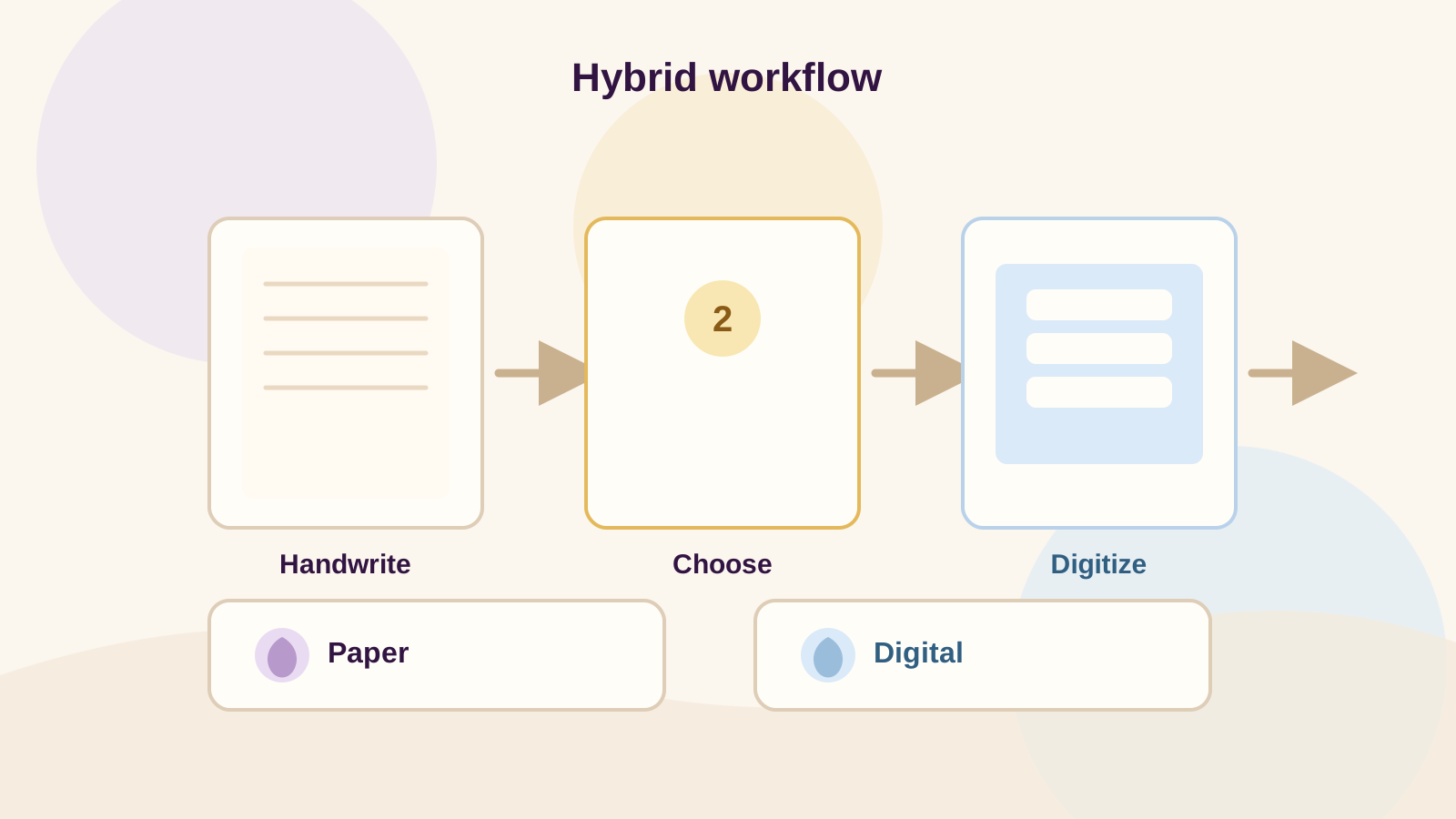
The strongest workflow combines both: handwriting at the table for speed and feeling, then digitizing the readings that matter for search and history.
You do not need to digitize everything. One card, one feeling, one next step for the entries you want to revisit is enough.
1
Handwrite
Capture the card, first reaction, and emotion by hand while the reading is fresh.
2
Choose
Mark one reading per week, one decision, or one repeated theme worth keeping.
3
Digitize
Save the question, cards, first reaction, and next step in your digital journal.
4
Review
Let search and pattern views work on the entries you saved.
5
Repeat
Keep the habit small enough to sustain.
Your Journal is built for the digital side: searchable entries, saved readings, and revisit prompts. For pricing, export, and PDF details, see Fate Mirror pricing.
If search, history and recurring patterns matter to you, explore the Fate Mirror Journal.
A private journal with searchable history, revisit prompts, and saved readings that can reveal patterns over time.
Explore the JournalFAQ
Is a digital tarot journal private?
It can be, but it depends on the app. Fate Mirror defaults to private, treats journal content as sensitive, and keeps readings private by default. Paper is private only if no one reads it.
Is paper better for intuition?
Paper can feel more direct because there are no screens or structured fields. Intuition can also be captured in a digital note; the format matters less than writing your first reaction before interpreting.
What should a tarot journal app track?
At minimum: the question, cards and positions, first reaction, emotion, assumptions, action, and follow-up. Search, revisit reminders, and pattern tracking make long-term history useful.
Can I use both?
Yes. A hybrid workflow is often the best fit: handwrite at the table, then digitize the readings you want to search or review later.